
pib (printable intelligent bot)
Free open-source 3D-printable humanoid upper body for learning AI and robotics.
- €3,145pib#5.Makerbox, all non-printable parts incl. VAT; excludes about 11 to 12 kg PETG, vendor kit
- 26 DoF
- GPL-3.0hardware
- 63 / 100 reproducibilityPartial source coverage, unverified
What it is
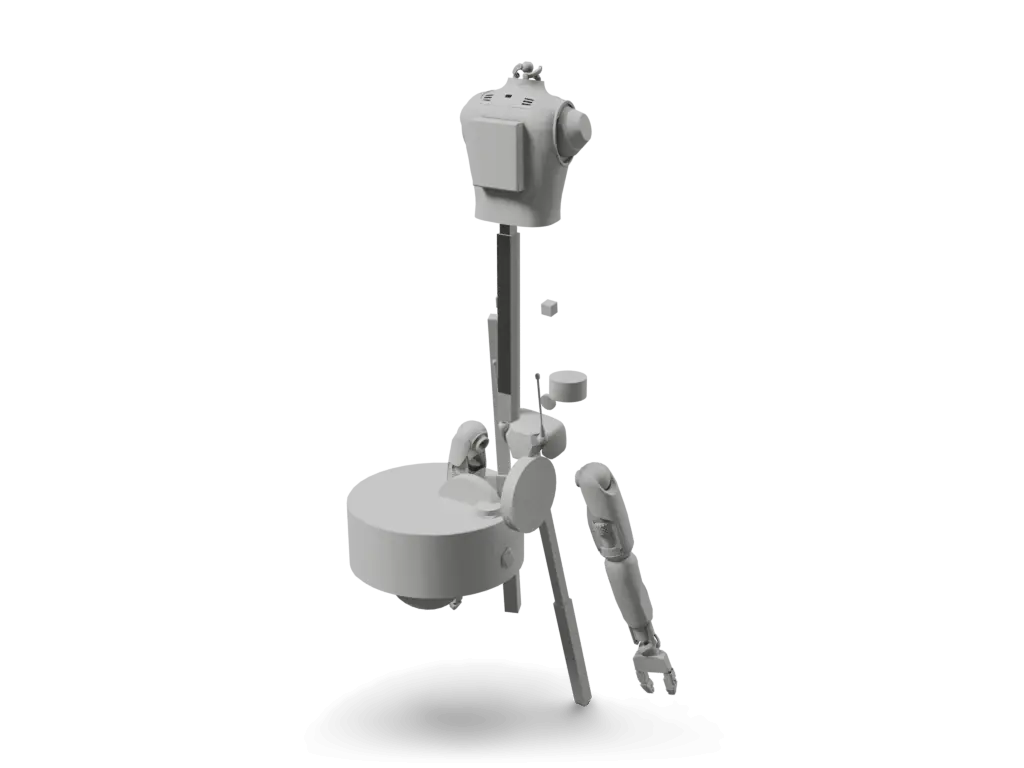
pib (printable intelligent bot) is a free, open-source 3D-printable humanoid robot developed by isento GmbH in Germany as a hands-on platform for learning AI and robotics. The physical robot is a life-size humanoid upper body: a head with moving neck, two articulated arms with tendon-actuated hands and fingers, and a torso meant to be mounted on a workbench, clamp or rig. The pib-stls repository holds the complete printable parts library (grouped into Head, Body, Arm and Hand & Finger; the pib#5 set replaced pib#4 in September 2026) released under GPL-3.0 (the pib FAQ states AGPL-3.0). The robot is driven by Tinkerforge servo bricklets controlled from a Raspberry Pi, with a ROS2-based control stack (pib-backend, AGPL-3.0) providing motor control, camera, voice assistant and a Blockly visual programming interface. Build guides, the bill of materials and assembly tutorials are published on pib.rocks.
Licenses
Degrees of freedom
26 DoF arms 12head 2hands 12
Humanoid upper bodyTendon-drivensource
Auto-assembled, not yet reviewed
Source record
Maintain pib (printable intelligent bot)? Claim this page to correct it.
Parts and cost
Cost to build
- pib#5.Makerbox, all non-printable parts incl. VAT; excludes about 11 to 12 kg PETG
In the source currency, as read on 2026-09-30. Not converted, and not checked against current vendor prices: none of these is a Motari-verified checkout total.
pib (printable intelligent bot) parts, as the source lists them (read 2026-09-30). Prices are the source's, not checked against vendors.
| Part | Qty | Spec | Source | Confidence |
|---|---|---|---|---|
3D-printed printable parts setpib#5 printing checklist lists quantities; the FAQ gives about 10.7 kg of filament | 1 | Head, body, arm, hand and finger STL parts | 3D print yourself / pib-rocksfilament and print cost not checked with a vendorpib#5 printing checklist and pib FAQ | high |
pib#5.MakerboxNon-printable parts kit for a complete pib#5 | 1 | all screws, bearings, motors, electronics, cables, power supply, camera and a Raspberry Pi 5 for one robot | pib.rocks shop3,145.00 EUR incl. VATpib shop, pib#5.Makerbox product details | high |
Servo motor setServo models listed in the Makerbox; counts not listed | 1 | TowerPro MG996R, DS1150SSG 12V and DS5180SSG 80 kg servos | pib#5.Makerboxincluded in the Makerboxpib shop, pib#5.Makerbox product details | high |
Controller, display, and vision setmain compute, touchscreen and camera | 1 | Raspberry Pi 5 (8GB) with power supply and active cooler, ELECROW 7-inch touchscreen, OAK-D Lite camera | pib#5.Makerboxincluded in the Makerboxpib shop, pib#5.Makerbox product details | high |
TinkerForge control electronics setservo control and Raspberry Pi interface | 1 | TinkerForge Servo Bricklet 2.0, RGB LED Button Bricklet and HAT Brick | pib#5.Makerboxincluded in the Makerboxpib shop, pib#5.Makerbox product details | high |
Power supplyReplaces the 7.5 V, 6 A supply listed for pib#4 | 1 | power supply listed in the Makerbox; rating not stated on the shop page | pib#5.Makerboxincluded in the Makerboxpib shop, pib#5.Makerbox product details | high |
Mechanical hardware setfasteners and mechanical small parts | 1 | bearings, M3 screws/nuts, springs, standoffs, steel pins | pib#5.Makerboxincluded in the MakerboxItem list from the pib#4 pib.Box Master datasheet; the pib#5.Makerbox includes screws, bearings and cables | high |
Cable and connector setUSB, Bricklet, servo and power wiring | 1 | USB-C/USB-A cables, Bricklet cable, servo extension cables, power cable, T-connector | pib#5.Makerboxincluded in the MakerboxItem list from the pib#4 pib.Box Master datasheet; the pib#5.Makerbox includes screws, bearings and cables | high |
Audio, relay and storageListed in the Makerbox | 1 | speaker, ReSpeaker USB Mic Array, Solid State Relay, memory card | pib.rocks shopincluded in the Makerboxpib shop, pib#5.Makerbox product details | high |
Rows from the source's own parts list 2
| Source row | Qty | Price and vendor | Line |
|---|---|---|---|
pib printable and non-printable build scope | 130 printable parts; pib.Box Master for one arm; pib.Box Grower for second arm | pib.rocks shop / self-printno price listed | L14 |
pibBox-Master_Produktdatenblatt.pdfpdf
| Source row | Qty | Price and vendor | Line |
|---|---|---|---|
pib.Box Master component datasheet | component families listed; exact per-part quantities not published in extracted PDF | pib.rocks shop / TinkerForge / Raspberry Pi / OAK-D Lite / Tower Prono price listed | L6 |
How to build
Steps marked Motari summary condense the linked source; follow the source for exact instructions.
Print the parts library
Print the pib#5 parts from pib-rocks/pib-stls (Head, Body, Arm, Hand and Finger) using the pib#5 printing checklist for quantities. pib recommends PETG, with the hand inserts in a flexible filament; the full set needs about 10.7 kg of filament.
Motari summarypib.rocks/buildAssemble arms and hands
Build the arms and tendon-actuated hands, mounting the servos for each joint per the pib.rocks assembly tutorials.
Motari summarypib.rocks/buildBuild head and body
Assemble the head and neck, then the upper body, following the pib#5 building instructions. pib is an upper-body robot meant to be mounted on a workbench, table clamp or rig.
Motari summarypib.rocks/buildWire Tinkerforge + Pi
Connect the servos to the Tinkerforge servo bricklets and the Raspberry Pi controller per the pib.rocks wiring docs.
Motari summarypib.rocks/buildInstall pib-backend
Set up the ROS2 pib-backend stack on the Raspberry Pi for motor control, camera, voice and Blockly programming.
Motari summarypib.rocks/build
Wiring, power and firmware are safety-relevant and shown for reference only. Check them against the source before building.
partialCAD / mesh present99 mesh files; no editable CAD source in the repo10/20
Quality tier 2 of 3
- A-Head/A01-Face.stlbf26f28
- A-Head/A02-Face_neck_clamp.stlbf26f28
partialBOM evidenceBOM on files.pib.rocks, not inspected by the engine10/20
Quality tier 1 of 5
partialWiring diagramReviewedStep 3 manual describes power and servo wiring in text (SPL modules, relay, fuses, Bricklet pin assignments) alongside CAD renders. No wiring diagram found.7.5/15
Quality tier 1 of 3
Reviewed override, 2026-09-30
Evidence on pib-rocks.atlassian.netEngine alone: missing at tier 0 (no wiring diagram found)
metFirmware linkedcontrol software linked (software source pib-rocks/pib-backend)10/10
Quality tier 2 of 3
metBuild instructionsReviewedpib.rocks/build links 12 public Confluence manuals; Step 1b has numbered steps with a photo or render per step. The engine does not read the wiki.15/15
Quality tier 2 of 3
Reviewed override, 2026-09-30
Evidence on pib-rocks.atlassian.netEngine alone: partial at tier 1 (external build guide linked, not inspected by the engine)
metOSHW-compatible licenseGPL-3.0 (from repository license)10/10
Quality tier 2 of 2
- LICENSE.txtbf26f28
missingKnown reproductionsno verified builds yet0/10
Quality tier 0 of 2
Only build reports a maintainer or admin has reviewed count here.
Engine v3.1.1 at bf26f28, 2 items reviewed by hand
- The engine found no joint model or stated figure to count degrees of freedom from.
- The engine could not tell what kind of robot this is from its sources.
Files and sim
- B-Body/Large print parts/B42-Ribcage.stl
- B-Body/Large print parts/B41-Clavicle.stl
- B-Body/B59-Tube-Connector.stl
- ros_packages/pibsim_webots/protos/pib.proto
- ros_packages/pibsim_webots/worlds/PibSim.wbt
- ros_packages/pibsim_webots/resource/pib.urdf
- LICENSE.txt
- README.md
Files stay in the upstream repository under their own licenses; these links open them there. The 3D model on this page is Motari's conversion of the file named under Simulation.
Simulation
Robot description files a simulator or CAD tool can load, linked at the commit they were found.
No URDF, MJCF, SDF, USD or Onshape model has been found in the sources.
The 3D specimen on this page is converted from ros_packages/pibsim_webots/protos/pib.proto at 0937b8a.
Builds
No reviewed builds of pib (printable intelligent bot) yet.
A build log records the evidence (photos, a video, your repository), what the build cost, how long it took and what you changed. Each one is checked by Motari (until a maintainer claims this page) before it shows here, and reviewed builds count toward the reproducibility score.
Sources
Where the facts come from
- Hardwaregithub.com/pib-rocks/pib-stlsbf26f28
- Softwaregithub.com/pib-rocks/pib-backend0937b8a
- Simulationgithub.com/pib-rocks/pib-backend/tree/main/ros_packages/pibs...0937b8a
- Build guidepib.rocks/build
- Bill of materialsfiles.pib.rocks/v5/maker-edu/pib_printing-checklist.pdf
- Storeshop.pib.rocks/pib-5.makerbox/box-maker-5
Last push to pib-rocks/pib-stls: 2026-09-08 (checked 2026-10-01)
Related links
- Project site + guidespib.rocks build tutorials
- pib-rocks orgall pib software + hardware
How this page was made
Assembled from public sources on 2026-06-04, not yet reviewed by the maintainer. Each figure links to where it is stated; a value the sources do not state reads "not published". Last source review: pib PDFs and source repos, 2026-06-07.
Original files stay intact and separately licensed; Motari adds only the summary on this page. Maintainer? Request a correction or removal.
Robots like pib (printable intelligent bot)
Shares parts with
Robots whose bill of materials names the same parts, most shared first. Each part links to every robot that uses it.
- SpotMicroAIRaspberry PiMG996R55
- JPL Open Source RoverRaspberry Pi89
- XLeRobotRaspberry Pi89
- AlohaMiniRaspberry Pi83
- UpkieRaspberry Pi83
- AndinoRaspberry Pi80
Parts in this robot's BOM: Raspberry Pi (25 other robots), TowerPro MG996R servo (2 other robots)
Similar robots
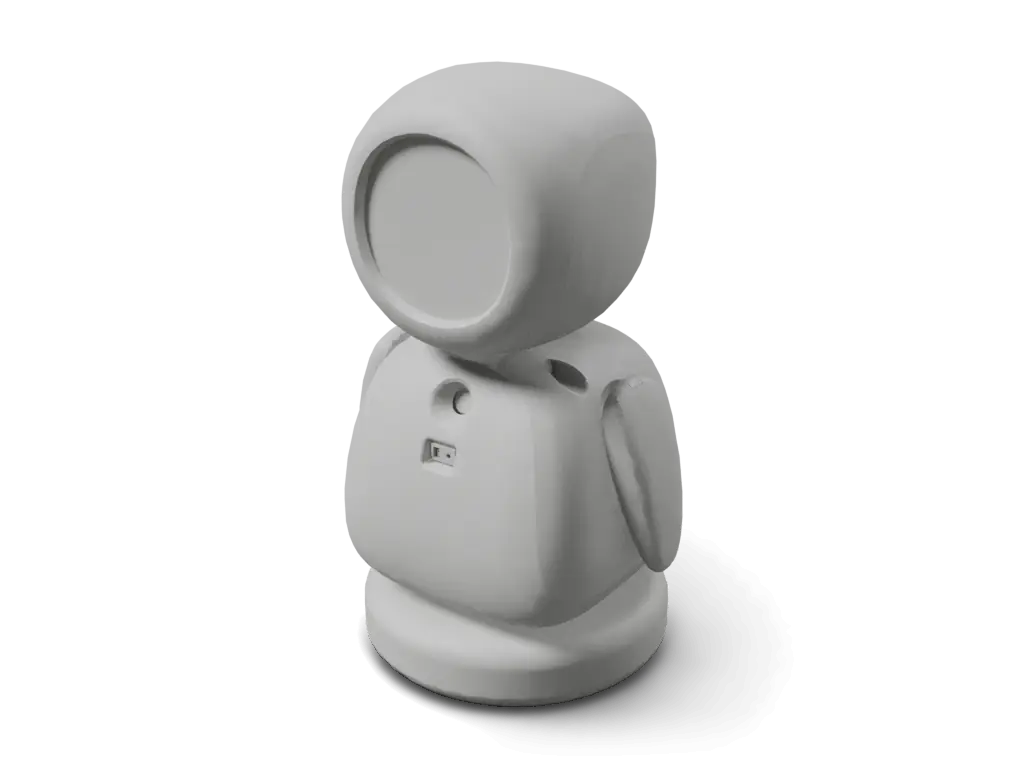
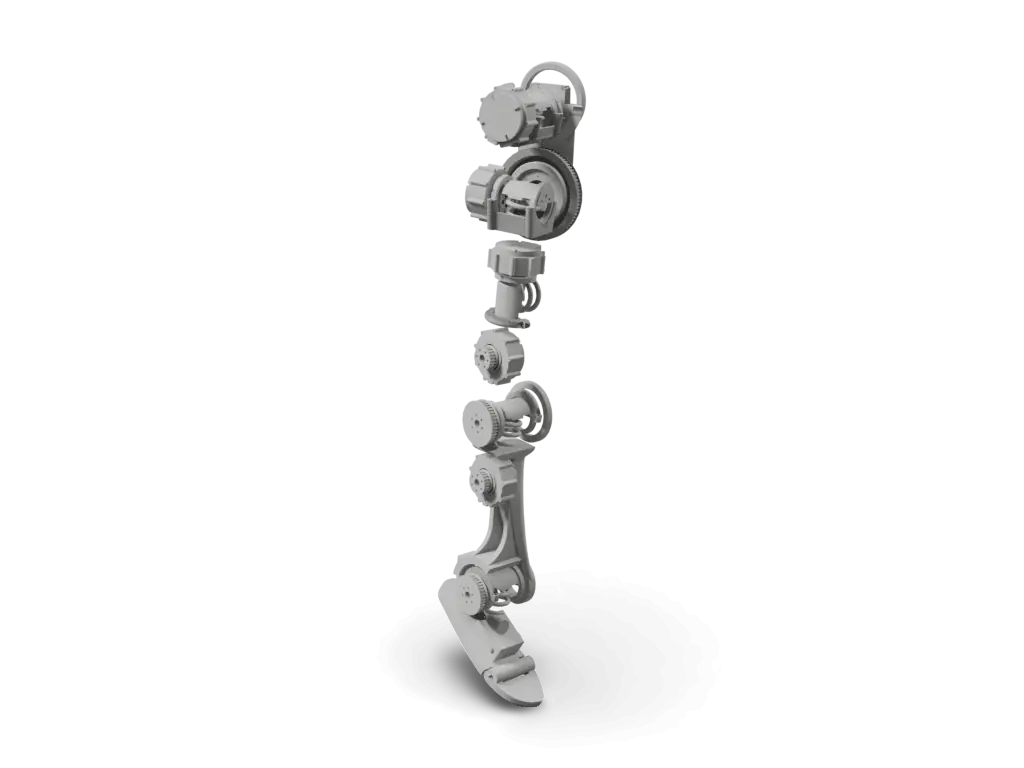
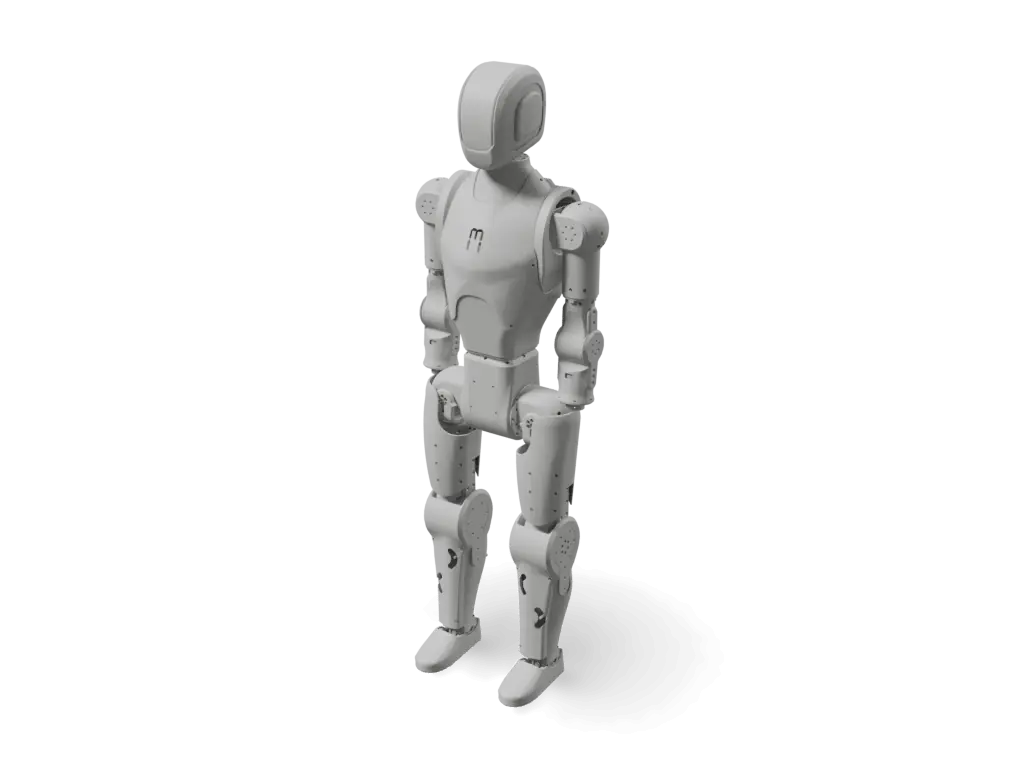
The same type of robot, closest first by body plan, published cost and degrees of freedom. All humanoid robots
Badge for the README
Maintain pib (printable intelligent bot)? Show its reproducibility score in the project's README. The badge links back to this page and updates with the score.

[](https://motari.io/r/pib-robot)<a href="https://motari.io/r/pib-robot"><img src="https://motari.io/api/v1/badge/pib-robot" alt="Motari reproducibility score for pib (printable intelligent bot)" height="20"></a>Not fully met yet: cad / mesh present (partial), bom evidence (partial), wiring diagram (partial). The score is read from the project's own sources, so publishing what is missing is what raises it. A score of 90 or more needs a reviewed build. How the score is computed